
Split Screens and the Freight Workaround
If you walk into most freight offices today, you will see the same setup repeated across the room.
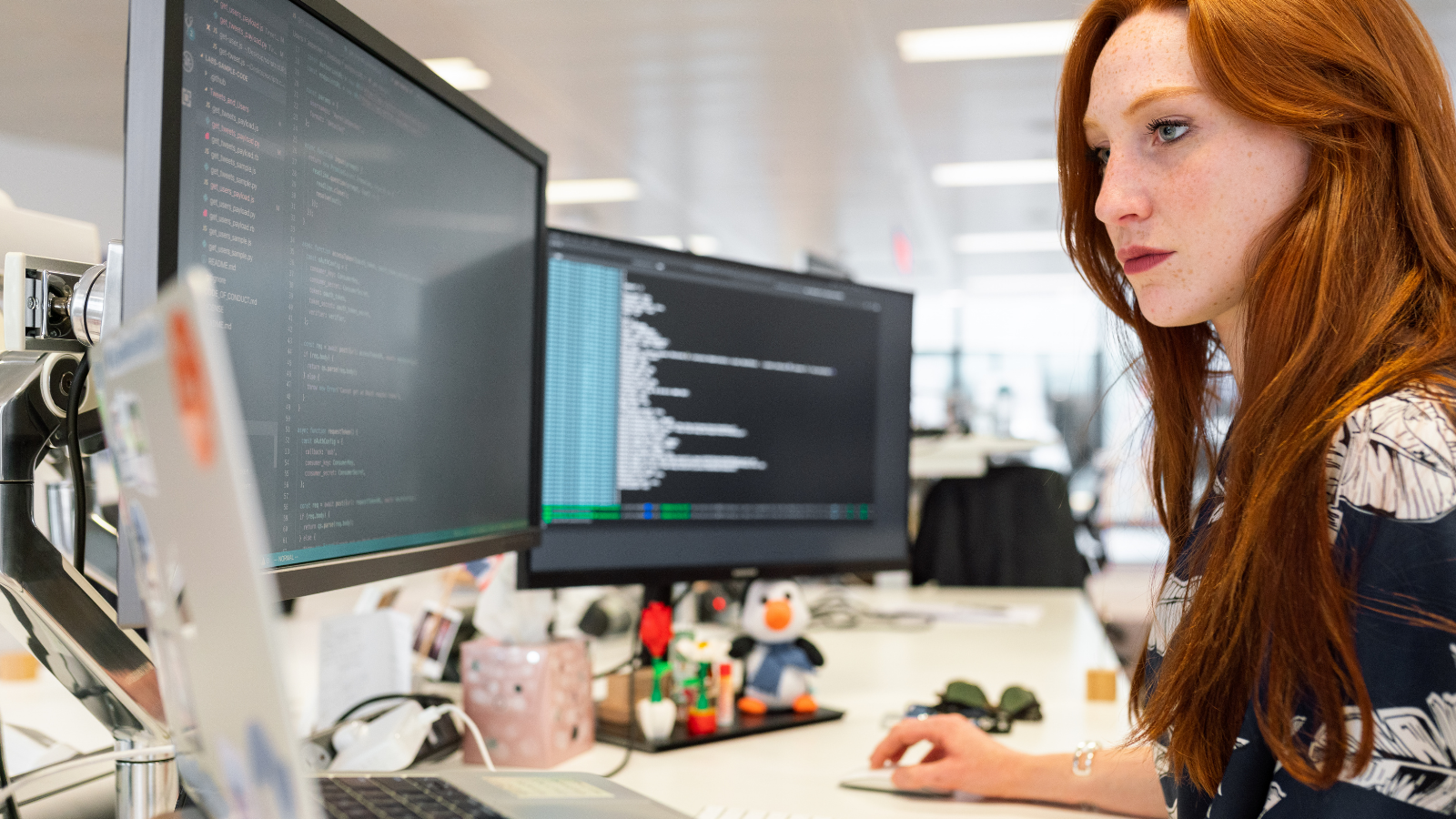
Two wide monitors on every desk. Sometimes a third if the laptop is open. One screen usually holds the core system. The other carries email, a PDF, a spreadsheet, or a browser with several tabs open.
It looks completely ordinary, but it did not always look like this.
There was a time when one screen was enough. You opened a system, did what you needed to do, closed it, and moved on. The work was still complex, but the interaction with it felt more linear.
The change is partly practical. Screens are cheaper than they used to be, and offices can now equip everyone with larger displays without much debate.
But hardware costs alone do not explain why the second screen feels essential rather than optional.
Why the Extra Screen Exists
A forwarder rarely works inside one system.
There is the transport management system. There may be a separate customs platform. A port portal to retrieve a UCN number. Shipping line tracking sites. Government databases. Internal spreadsheets. Shared inboxes. Sales inboxes. PDFs arriving that need to be reviewed and cross checked.
None of these systems are unusual. Most of them are necessary.
The second monitor allows them to sit side by side. Someone can review a port reference while entering data into the core platform without constantly switching windows. It makes parallel work easier to manage.
Research has shown measurable productivity gains from multiple monitors. Jon Peddie Research reported that users working across more than one display saw improvements of around 42 percent compared with a single screen setup. Much of that improvement was attributed to reduced window switching and improved visibility across applications.
In freight, that benefit often reflects the reality that several tools must be active at the same time. The additional screen reduces the friction between them, even if it does not simplify the workflow itself.
The Cost of Switching
Freight professionals are accustomed to this environment. Part of the skill lies in knowing where information resides and how to reconcile differences between systems.
The workaround becomes embedded in the role.
At the same time, context switching carries a cognitive cost. Microsoft’s Work Trend Index points to the strain of fragmented digital environments where employees move constantly between applications.
In freight, that switching is visible. It happens in plain sight across two screens.
A reference number is copied from a port site into a core system. Data from a PDF is re entered manually. One system is updated while another is checked to confirm alignment.
The second monitor makes this manageable. It does not remove the need for it.
What Integration Changes
Modern APIs allow systems to exchange data directly rather than relying on manual retrieval. Instead of logging into a separate port platform to retrieve a UCN number, the data can be pulled into the core system automatically. Instead of reviewing a document on one screen and typing into another, structured data can move between platforms.
McKinsey’s research on digital reinvention argues that connected architectures reduce operational friction. Deloitte’s work on digital workplace design similarly highlights how intuitive, integrated systems support engagement and efficiency.
Freight will always involve multiple parties and specialist platforms. There is no single solution that replaces everything.
But better connectivity reduces how often someone must leave the primary system they are working in simply to retrieve or duplicate information.
What the Screens Tell You
Dual monitors are not inherently inefficient. In many workflows they genuinely help.
What they reveal is the structure of the underlying technology stack.
When two large screens are required to keep the day moving smoothly, it suggests the systems themselves are not fully aligned. The physical setup of the desk reflects the digital architecture behind it.
The question is not whether the second screen is useful.
It is how much of it would still be necessary if the systems were better connected.